You don’t need a “big brand” budget to run loyalty. You need a simple program, a clear reward, and a way to sign people up fast while the line is moving.
Here’s a step-by-step guide to launching your first digital loyalty app using Loyalteey, without turning your staff into part-time IT support.
Step 1: Pick the one behavior you want more of
Digital loyalty only works when it’s focused. If you try to reward everything, customers can’t remember what they’re earning, and your team won’t push it.
Choose one of these starting goals (just one): more repeat visits, higher average ticket, or pulling in quiet-day traffic. Honestly, “more repeat visits” is the easiest win for a first launch.
Picture a small café on a Tuesday at 3pm. It’s slow, pastries are still fresh, and you’d love a reason for regulars to swing by. Loyalty is that reason, if the offer is clear and the signup is frictionless.
Step 2: Set your points and keep them per-store (Loyalteey does this)
Customers join loyalty because they like your shop, not because they want to do math across the whole city. With Loyalteey, points are earned per store and redeemed at the same store, which keeps the program clean and easy to explain at the counter.
Start with a simple rule your staff can say in one breath. For example: “Earn points every visit, redeem a free add-on after you hit the next reward.” No spreadsheets. No awkward exceptions.
Two quick guardrails:
- Make the first reward reachable. If it takes two months, people forget they joined.
- Don’t over-discount. A small, frequent win (like a free topping or upgrade) often feels better than a rare big one.
Step 3: Build a rewards ladder customers can understand
Loyalty programs fail when rewards feel random. Loyalteey’s rewards ladder helps you set a clear path: earn points, hit a rung, redeem something specific.
Keep your ladder tight at the beginning. Two to four rewards is plenty. You can always add more once you see what customers actually redeem.
And please avoid the “mystery reward.” It sounds fun on paper. In real life, customers want to know what they’re working toward before they bother scanning anything.
Step 4: Create tiers with brackets (and don’t make them fancy)
If you have regulars who come in a lot, give them a little status. Loyalteey uses tiers/brackets, which lets you treat your best customers differently without awkward manual tracking.
Practical example: a salon could have a standard bracket for everyone, then a VIP bracket for clients who’ve visited enough times in the past couple of months. The VIP perk doesn’t need to be huge. Priority booking, a free conditioner add-on, or double points during slow hours can do the job.
Plan-wise, you can start building and testing on Free, then move up when you want more advanced setup and scale. If you’re ready to run bigger campaigns and structure more tiers, the paid Pro tier and Pro Plus are there when it makes sense (no need to overbuild on day one).
Step 5: Make signup instant with one-QR Loyalteey ID
Your launch lives or dies at the counter. If joining takes more than a few seconds, staff stop offering it, especially during a rush.
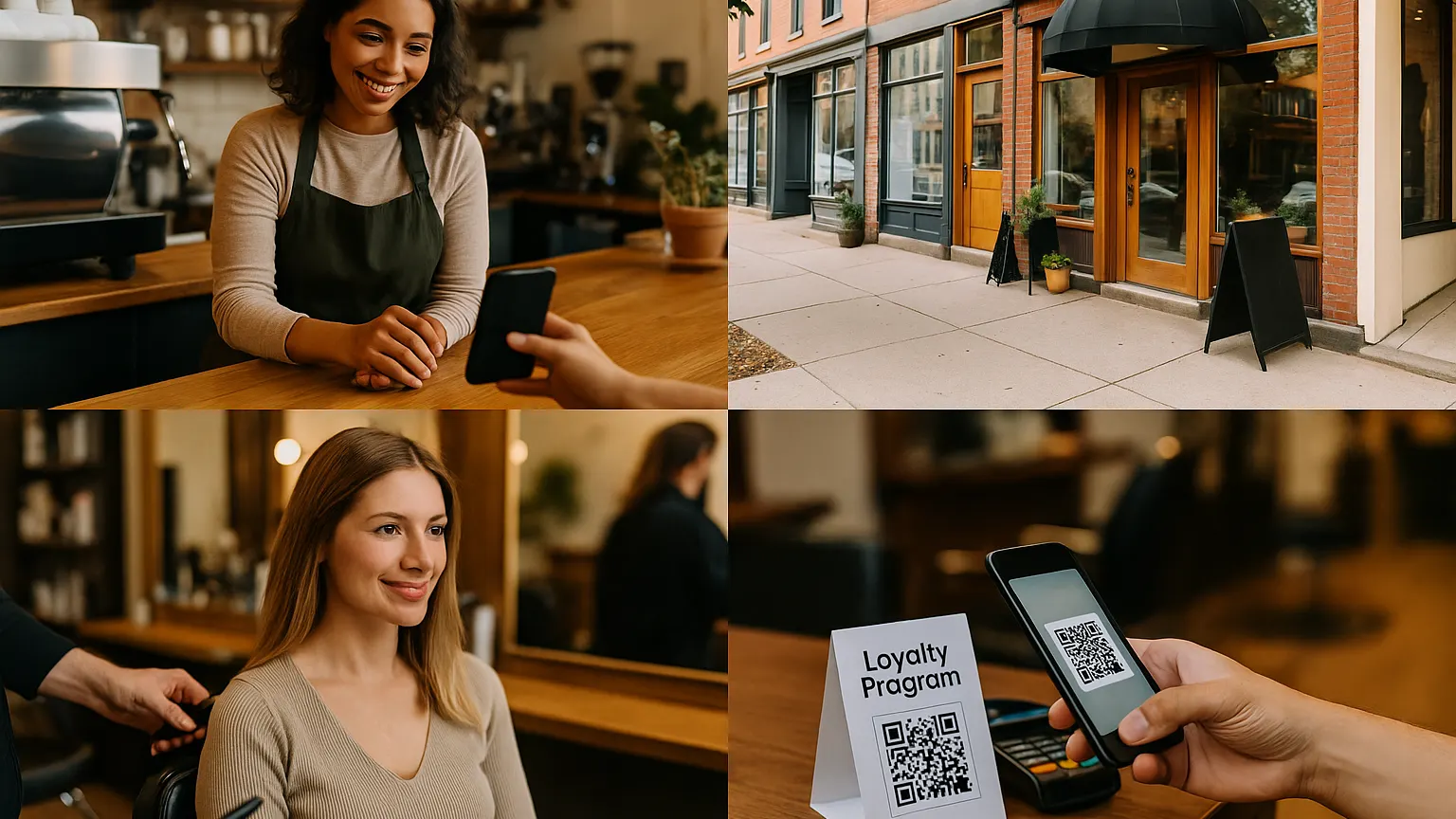
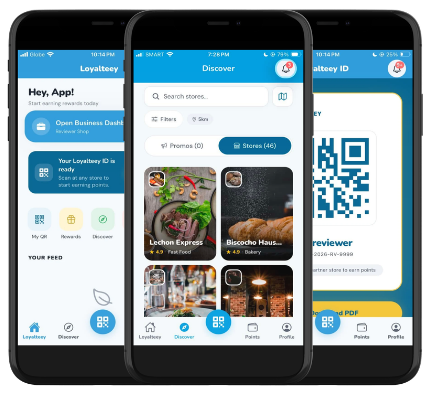
Loyalteey makes this part simple with a one-QR Loyalteey ID. Customers scan once, and they’ve got an ID they can use again on future visits. Less fumbling. Less “wait, where’s that email?” energy.
Also, customers can keep your loyalty in their customer wallet inside the app. That matters because it means they don’t have to remember a card, a stamp, or a screenshot. They just show up.
Step 6: Train staff with a 20-second script and staff accounts
Don’t do a long training session. Do a script and a roleplay. Then get out of the way.
With Loyalteey staff accounts, you can give your team the access they need to run loyalty day-to-day without sharing one login across everyone (which always becomes a mess).
Here’s a simple script that works in most businesses:
- “Do you want points on this?” (ask before payment)
- “It’s free. Scan this QR once and you’re in.”
- “You’ll see your points in the app, and you can redeem rewards right here.”
One small opinion: don’t ask staff to explain every reward. Let the ladder do that. Their job is to get the scan.
Step 7: Promote with point multipliers and blasts/promos (then watch the dashboard)
Your first month should include at least one “reason to return soon.” This is where Loyalteey’s point multipliers and blasts/promos shine.
Try a simple campaign you can run this week: “Tuesday 2× points from 2–5pm.” It’s specific, it fills a dead window, and it doesn’t train customers to only buy when there’s a discount.
After a couple of weeks, open your dashboard insights. Look for two things: how many customers joined, and which rewards are actually being redeemed. If nobody redeems Reward #3, it’s not “a future win.” It’s confusing. Swap it out.
If you run multiple locations, don’t duct-tape your loyalty together. Loyalteey supports branches, so you can manage the program across shops without losing track of what’s happening where.
If you’ve been waiting because loyalty felt complicated, this is your sign to keep it simple and launch. Loyalteey is free to start, and your first bracket really can take about five minutes to set up. Invite customers to download Loyalteey from the App Store or Google Play, put the QR by the register, and start scanning.